
AI Receptionist for SMBs: Answer, Route, Book & Log—No Missed Leads
AI Receptionist for SMBs: Answer, Route, Book & Log—No Missed Leads
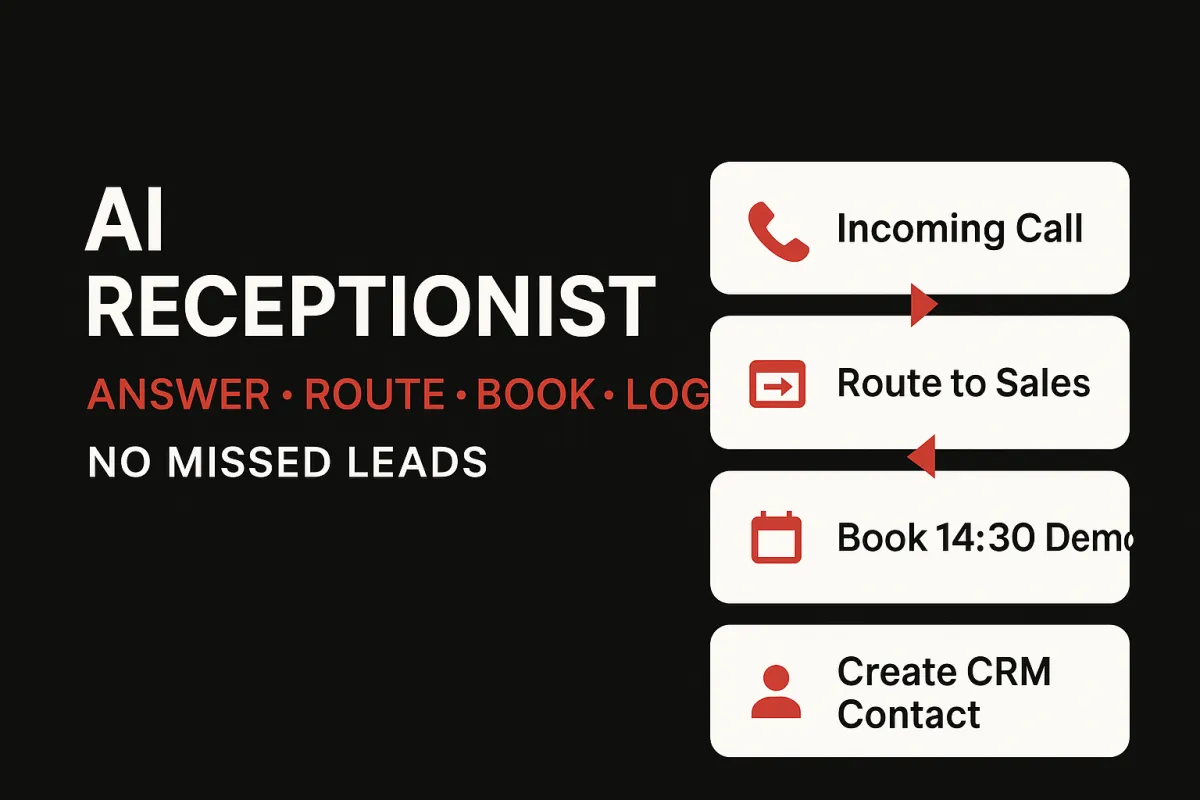
Phones, emails, and DMs don’t arrive in a neat queue—and that’s exactly how leads slip through the cracks. The AI Receptionist in InOne CRM gives SMBs a front-desk superpower: it answers 24/7 on the channel your prospect prefers, asks a few high-signal questions, routes to the right person, books a time directly on your calendar, and logs every detail to the CRM—automatically. You get the immediate responsiveness of a full-time team without the manual admin or tool-switching.
Why a unified receptionist beats fragmented tools
A traditional setup spreads work across separate chat widgets, email inboxes, and phone systems. Each captures a piece of the context, but none carry it forward. The AI Receptionist runs inside one unified inbox, so the conversation, the booking, and the record update are part of a single flow. That means no more transcribing voicemails into notes, copy-pasting contact details, or forgetting to move a lead to “Qualified.” Every step is consistent, auditable, and fast.
What it does (in plain English)
Answers calls/chats/WhatsApp with a warm, on-brand greeting.
Captures details & intent (use case, timeline, budget ballpark, preferred channel).
Routes & books straight into the correct calendar or queue (sales, service, support).
Creates/updates CRM records with transcripts, tags, and next-best actions.
Confirms across channels (e.g., WhatsApp reminder + email invite) to lift show rates.
Hands off to a human instantly for sensitive or complex moments—without losing context.
How it works under the hood
The AI Receptionist uses intent detection to categorize the inbound request (pricing, demo, support, billing, general question). It pulls availability from your calendars, checks territory/product rules, and offers the right slot. If the caller asks for materials, it can share a one-pager or checklist and record that in the timeline. If documents are needed, it opens a mini doc-capture flow. All outcomes—answered/no-answer, booked, reschedule requested—feed your pipeline and analytics in real time.
Setup you can complete this week
Define the greeting and tone (two to three short scripts for phone, chat, and WhatsApp).
Map routing rules (by product, location, language, or priority).
Connect calendars for sales and service; set working hours and holidays.
Add 3–5 FAQs (pricing ranges, service areas, turnaround times) to deflect common questions.
Switch on reminders (confirmation + day-of + one-hour nudge) to reduce no-shows.
Review dashboards after week one: first response time, booking rate, and missed-lead count.
KPIs that prove it’s working
Missed leads: target zero. Every unanswered call/message is auto-followed with a callback or booking link.
First-response time: measured in seconds, not hours.
Booking rate: percentage of qualified inquiries that convert to confirmed meetings.
Speed-to-first-meeting: watch cycle time shrink as the receptionist books while interest is high.
Trust, privacy, and brand control
All conversations respect consent and preferences; sensitive fields live behind role-based access. The receptionist sticks to your brand voice and escalates to people for edge cases. Every touch is logged with timestamps for clean handovers and easy coaching
FAQ
Q: Can it hand off to a human mid-chat?
A: Instantly—with full context, including notes and any files collected.
Q: Does it log calls?
A: Yes—timestamps, outcome (answered/voicemail/booked), and next steps are written to the CRM automatically.
Learn more…
https://inonecrm.com/home-7638-3783