
CFO Playbook: Automate Invoicing, Collections & Reconciliation to Reduce DSO
CFO Playbook: Automate Invoicing, Collections & Reconciliation to Reduce DSO
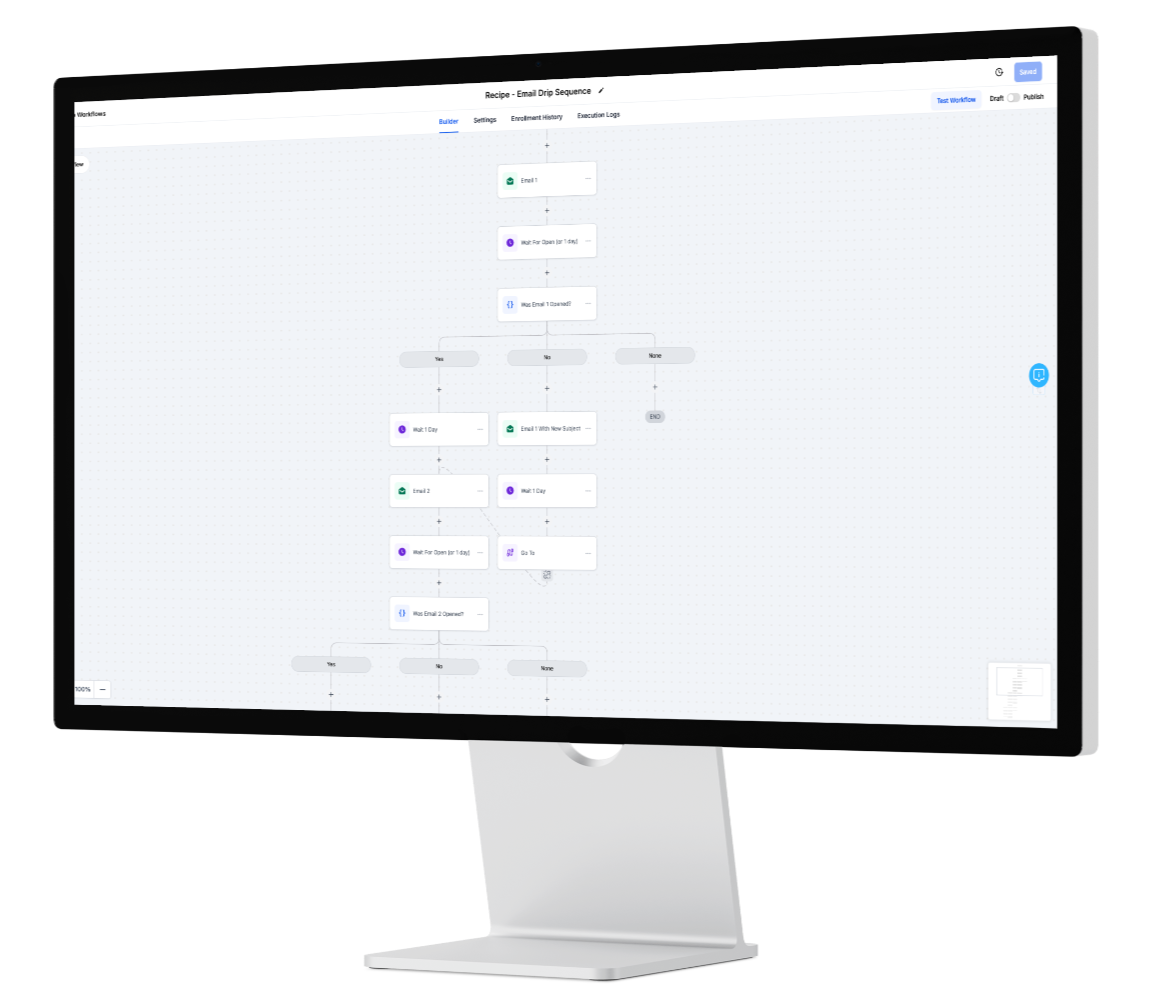
When liquidity tightens, the cheapest working capital is faster collections. The path to lower DSO isn’t more emails or manual spreadsheet chases—it’s a consistent accounts receivable automation loop that messages the right customer, on the right channel, at the right time, logs every touch for audit, and reconciles payment confirmations back to the ledger. With InOne CRM, your AR team gets a single, orchestrated collections workflow that starts the instant an invoice is issued and ends only when cash is in the bank and the account is clean.
What to Automate (and why it moves cash)
Reminders – Replace ad-hoc nudges with tiered cadences by risk and aging bucket (Current, 1–30, 31–60, 61–90, 90+). Messages respect consent and channel preferences, using email for detail and WhatsApp for quick acknowledgment and pay-link delivery. Smart spacing prevents inbox fatigue while keeping your brand professional.
Intent detection – Customers often reply with meaning, not forms: “Paid yesterday,” “Need an extension,” “PO required,” or “Can you resend the invoice?” AI classifies these into intents and automatically branches the flow—sending a receipt request, offering an installment plan, routing to procurement, or attaching the original invoice. You keep velocity without toggling tabs.
Payment & reconciliation – Pay links and QR codes point to your gateway. Once the transaction clears, InOne CRM matches confirmations to the correct invoice and updates the ledger (amount, fees, reference, date) while closing the task and posting a clean audit line. Exceptions—short-pays, duplicates, or unmatched references—open review tasks with all context included.
Quick Steps to Go Live
Connect sources: invoice feed (ERP/accounting), payment gateway(s), and customer contact records.
Define cadences by aging bucket and risk segment; set polite, brand-safe copy templates.
Map intents → actions (Paid, Extension, Dispute, PO-Needed, Wrong Contact, Statement Request).
Turn on reconciliation with rules for matching tolerance, currency, and fees.
Log everything: each message, click, promise-to-pay, and ledger update is time-stamped and exportable.
Controls, Compliance & Customer Experience
AR touches sensitive data and relationships. InOne CRM enforces role-based access, consent-aware messaging, and complete audit trails. Templates avoid pressure tactics while still being clear about dates and next steps. For regulated regions, retention polices and field-level encryption ensure your invoice automation improves trust rather than risking it.
KPIs the CFO Should Watch
DSO & aging distribution (shift balances left)
Promise-to-pay → paid conversion rate
First-touch collection rate (paid before 30 days)
Reconciliation cycle time (from confirmation to posted)
AR team hours saved per 100 invoices
Operating Rhythm for Predictable Cash
Run a weekly “AR stand-up” around a live dashboard: aged receivables, intent counts, disputed amounts, and reconciliation exceptions. Tweak cadence timing, subject lines, and WhatsApp snippets. Escalate only where needed: ask for a new contact, offer a short extension with auto-reminders, or open a ticket for disputes. Your goal isn’t more messages; it’s fewer days outstanding with fewer touchpoints.
FAQ
Q: Will clients feel spammed?
A: No. Cadences are paced and channel-appropriate, with clear opt-outs and intent-aware pauses.
Q: Can finance override flows?
A: Yes. Finance can place accounts on manual hold, approve escalations, or trigger a one-off message at any time.
Learn more…
https://inonecrm.com/home-7638-3783